One-Click CTI Dashboards and OpenCTI Integration with XTM Hub

Jean-Philippe Kha
Staff Software Engineer

Tiffaine Hervy
Software Engineer

Valentin Stern
Senior Software Engineer
-
 Copied!
 -
 Copied!
 -
 Copied!
Streamlining CTI with OpenCTI and XTM Hub Integration
In the ever-evolving landscape of cybersecurity, the ability to efficiently gather, analyze, and visualize threat intelligence is paramount. OpenCTI is renowned for its robust capabilities in managing and analyzing threat data. The integration with XTM Hub introduces a new level of efficiency and ease, particularly through its seamless enrollment process and the innovative one-click deployment of Custom dashboards and CSV Feeds.
TL;DR
- Register OpenCTI into XTM-Hub
- Deploy threat intelligence resources with one click
- Simplify custom dashboard integration and automate CSV Feed deployment
One-Click Deploy: Custom dashboard to OpenCTI
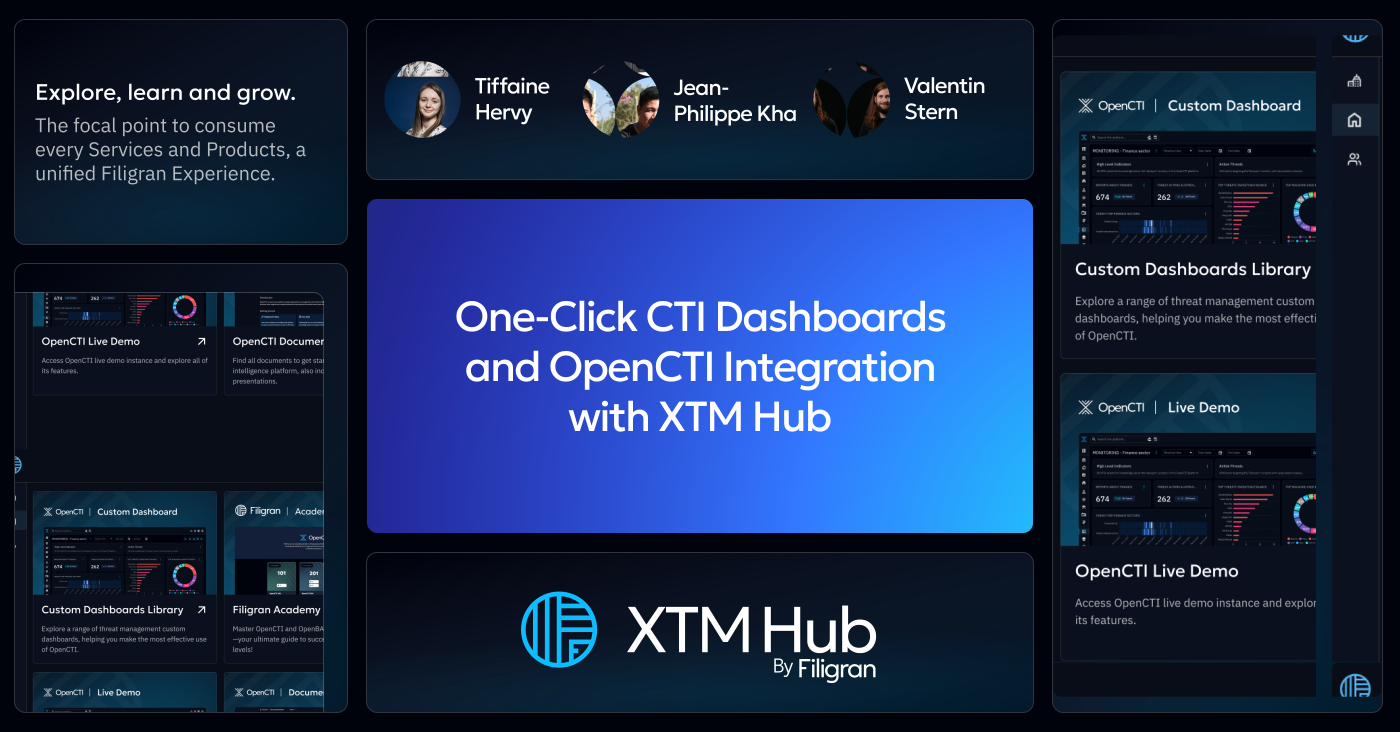
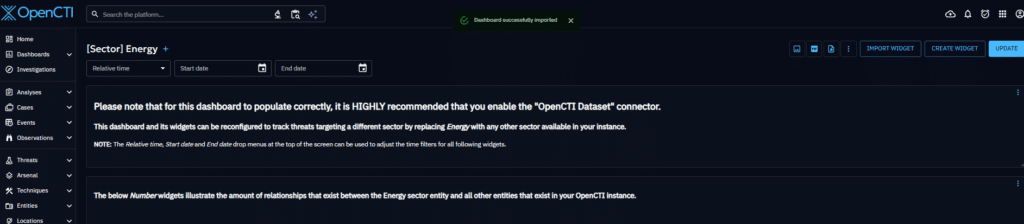
Deploying a dashboard to OpenCTI is now seamless thanks to XTM Hub. Simply choose your desired dashboard on XTM Hub and click “Deploy in OpenCTI“. If you have multiple platforms registered, select the target platform, or confirm the deployment to your single registered OpenCTI. You’ll be redirected to OpenCTI, where authentication may be required. OpenCTI autonomously retrieves the dashboard from XTM Hub and integrates it into your platform.
This effortless process revolutionizes how threat intelligence resources are deployed to OpenCTI.
Connecting OpenCTI and XTM Hub
This new one-click deployment capability requires linking your OpenCTI platform with XTM Hub. To do so:
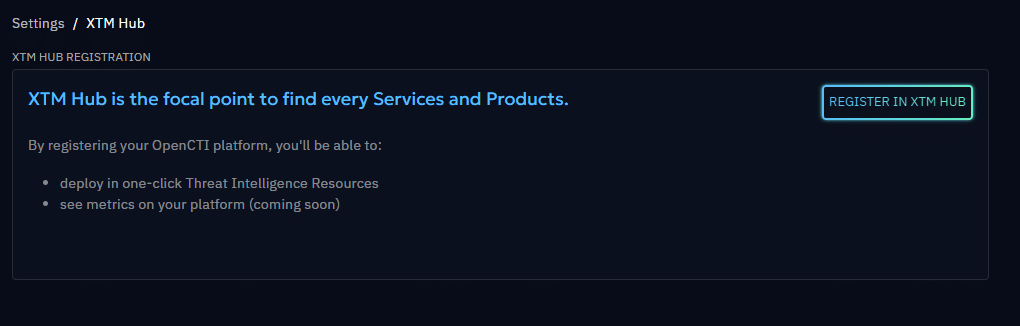
- In OpenCTI, navigate to Settings > XTM Hub.
- Click the multicolored button “Register in XTM Hub” to initiate enrollment. (Don’t worry, this process is fully reversible.)
- You’ll be redirected to XTM Hub, where you’ll select the profile to register your platform under.
- Complete the process (login may be required if you’re signed out).
Once completed, your XTM Hub homepage will display a tile representing your OpenCTI platform, showing its name and a direct link.
Note: The permissions required for the register process to work properly are “Manage XTM Hub” on OpenCTI and “Manage OpenCTI Registration” on XTM Hub. To deploy a custom dashboard or a CSV Feed with one click, you need the capability to create custom dashboards and CSV Feeds on OpenCTI. More details can be found in the XTM Hub documentation: https://docs.hub.filigran.io/latest/
Conclusion
This streamlined integration of OpenCTI with XTM Hub represents just the start of an exciting journey. Soon, the one-click deployment will extend to connectors, enhancing functionality even further. And let’s not forget about OpenBAS, also on the horizon.
XTM Hub is set to become a central hub, elevating the entire user experience with our tools. With countless ideas and innovations in the pipeline, we’re committed to creating something truly extraordinary.
Stay tuned for more amazing developments as we continue to push the boundaries of what’s possible in cybersecurity.
Enjoy and feel free to ask any questions about it on our Slack community channel !
Read more
Explore related topics and insights